


| 模型# | 测试波长 | 动态范围 | 事件/衰减死区 |
| 8000MAX-S1 | 1310/1550纳米 | 32/30dB | 0.8/4 |
| 8000MAX-S2 | 1310/1550纳米 | 35/33dB | 0.8/4米 |
| 8000MAX-T2 | 1310/1550/1625纳米 | 35/33/32分贝 | 0.8/4米 |
| 8000MAX-T3 | 1310/1550/1650纳米 | 35/33/32分贝 | 0.8/4米 |
| 8000MAX-M1 | 850/1300纳米 | 20/26dB | 1.2/5米 |
| 8000MAX-Q1 | 1310/1550/850/1300纳米 | 28/26/20/26分贝 | 0.8米/4米,1.2米/5米 |
|
8000MAX-10G1 |
1310/1550/1270/1577/1625纳米 |
37/35/35/35/35分贝 |
0.8米/4米,1.2米/5米 |
|
8000MAX-10G2 |
1310/1550/1270/1577/1650纳米 |
37/35/35/35/35分贝 |
0.8米/4米,1.2米/5米 |
注:请下载产品目录查看所有可选型号。我们还可以根据您的要求定制OTDR。
8000MAX-10G 型号适用于 GPON、XGPON、XGSPON 光纤网络测试。
买一送一
- OTDR(自动)
- OTDR(手动 | 平均值)
- OTDR(实时)
- 事件地图
- 光功率计(OPM)
- 光学光源(OLS)
- 损失测试
- 可视故障定位器 (VFL)
光纤端面检测器
- 结果格式 Sor 和 PDF
新功能
- 发射电缆和接收电缆适用,并允许从跟踪中扣除
- 双波长同时处理测试任务
- 故障指示灯检测和启动保护
菜单语言
- 英语
- 西班牙语
俄语
- 韩国人
- 法语
- 葡萄牙
意大利语
- 希伯来语
套件包含:
- OTDR
- FC/SC 连接器
用户手册
触控笔
- OTDRviewer 软件
- 电源充电适配器,
手提袋
校准证书
8000MAX OTDR 视频演示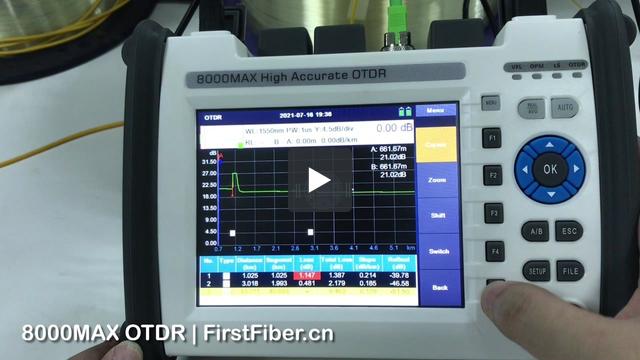
8000MAX OTDR 分路器测试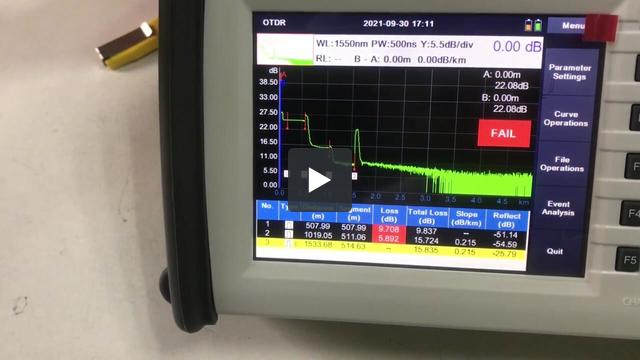
8000MAX OTDR 发射电缆设置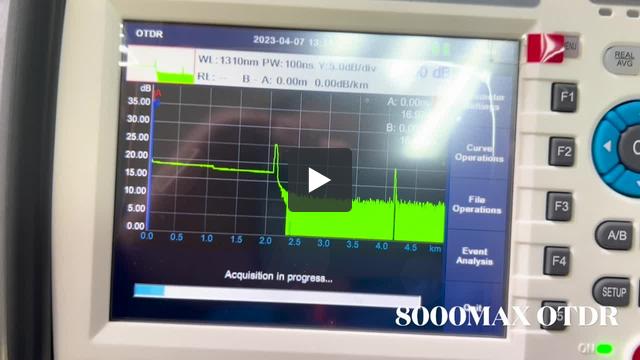
This is because the software is lack of right to write data to your computer. To solve it, please
- run the software by adminstrator.
or
- install the software in D disk, E disk, or any other disk, but not C disk.


Hi, this is because that parameter in OTDR is not same with parameter in PC software. Please change analysis parameters in PC same as OTDR.
A customer complains During generatiing of PDF File with test results marker A is visible on PDF File but marker B isn't visible on page.
It seems like there is a problem with scaling of results during export to PDF files.
During test where 2 files are created SOR and PDF in SOR file results are looking good. It's only problem with export to PDF.

Please check this out and send newest firmware if You had such problem earlier.
If not please check out and give us some updates once it's very high end client and they may order a 10 OTDRs more once we resolve this issue.
This is a softwere bug. Please upgrade your OTDR by the following steps to fix the bug.
Step 1.
Prepare a FAT32 USB flash disk.
Step 2.
Put the upgrade file into the USB flash disk. Be careful not to rename the file.
Step 3.
Insert the USB flash disk into the USB port of OTDR and wait for the USB icon to appear in the OTDR status bar.
Step 4.
Enter the system setting interface of OTDR and click the "upgrade" button.
Then, the screen will display the software upgrade interface, and the upgrade operation will be completed after the software is automatically restarted.
Step 5.
Finished.
Note: the upgrade file is for 8000MAX OTDRs that were pre-installed PDF generater. We strongly suggest you send us your OTDR series number to check if your OTDR can be upgraded or not before you upgrade your OTDR. You can contact our tech support by email tech@FirstFiber.cn
| Instructions | |
| Model Number | Max 8 characters, no special characters allowed. |
| Logo | High Resolution. (.jpg, .bmp, .psd, .cdr, etc) |
| Boot Screen | 800x480 px, format .bmp, and color depth 16-bit |
| Language | Please contact sales to request the English version of the field list. |
| Model | Qty/Carton | Net Weight | Gross Weight | Size |
| 8000MAX | 5 | 12.5 KG | 15 KG | 53x75x29cm |
| Model | Qty/Carton | Net Weight | Gross Weight | Size |
| 8000MAX | 1 | 2.5 KG | 3 KG | 26x20x16cm |


